
Girtonian Lab
Trend Tap
Designed and built a Figma plugin that turns curated design trends into AI-ready prompts, making it easier to move from inspiration to experimentation.
TL;DR
- I designed and built Trend Tap, a Figma plugin, solo in about a month.
- I curated 10 design trends: one tap turns a trend into an AI-ready prompt, and the direction is saved to the frame.
- I shipped it on Figma Community with a free tier and a $29 one-time Plus license, plus a product site.

The gist
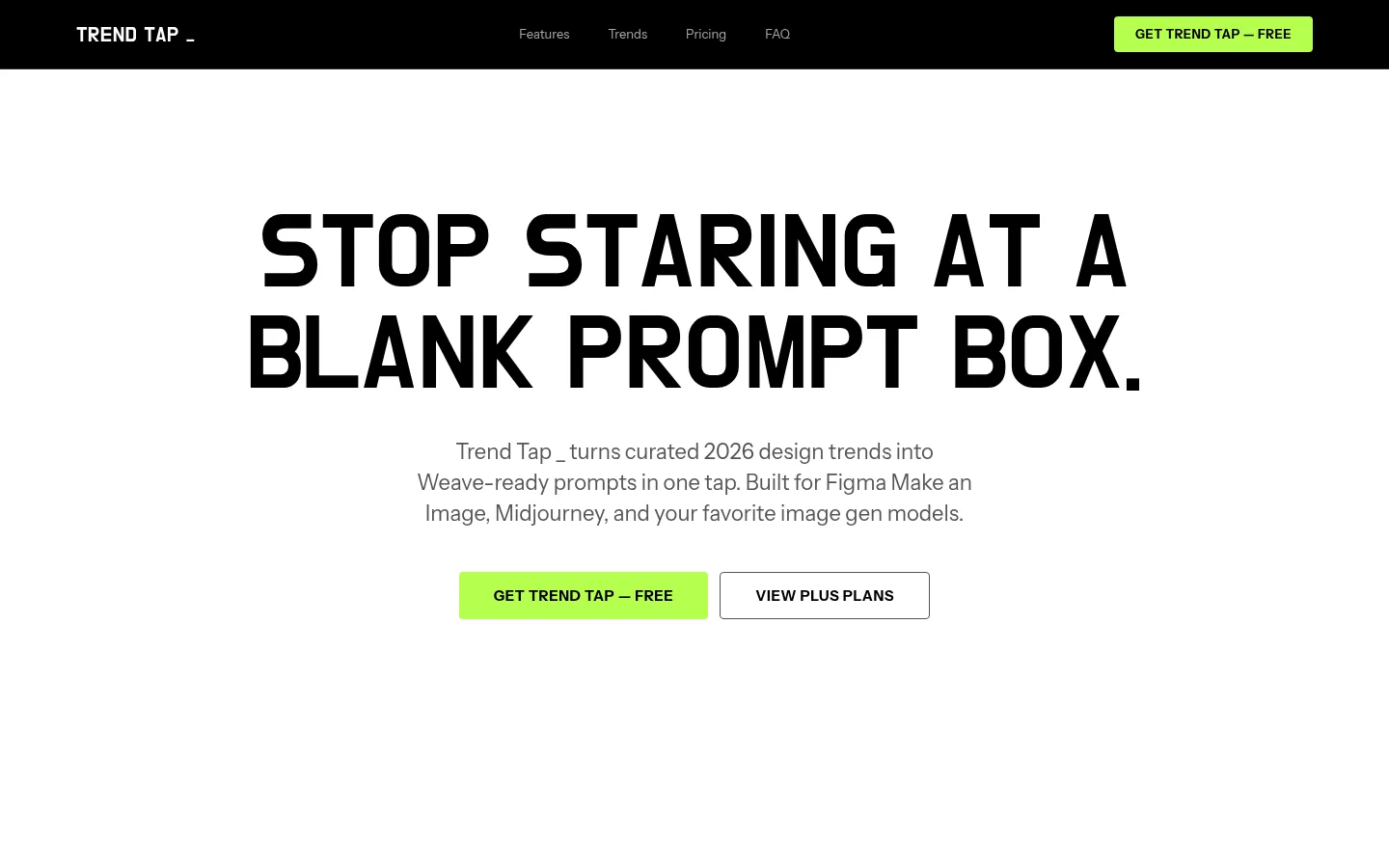
The premise: I just wanted a Figma plugin that made it easier to create images following the trends I kept seeing show up in other designers' lexicon.
The reality: A list of prompts still leaves you staring at a blank prompt box. What I shipped is a prompt builder inside Figma: pick a trend, tap once, and the creative direction stays on the frame.
I designed and built a Figma plugin that turns curated design trends into AI-ready prompts, making it easier to move from inspiration to experimentation.
The fine print
- Role: Solo. I designed and built it.
- Engagement: Self-initiated, under Girtonian Lab (Girtonian LLC)
- Timeline: About a month, end to end
- Platform: Figma plugin, free on Figma Community, for Figma Desktop and the web app. Plus is a one-time license.
- Tools: Started in Figma Make
- Tags: Figma plugin · Product design · AI tools · Creative tech
Where I sat
I kept seeing the same aesthetics show up in other designers' lexicon of design aesthetic, and I wanted to make images in Figma that followed them. Then the real itch: "I got tired of leaving Figma every time I wanted to generate a new image, so I just built the plugin in Figma." I built Trend Tap by myself in about a month: product, design, build and the launch site.
The frame
The gap is getting from inspiration to experimentation. Trends are easy to admire and hard to turn into a usable AI prompt, and every trip out of Figma to write one breaks the flow. The audience is anyone who needs current-feeling visuals fast: product designers, marketing teams, content creators and creative agencies.
One more constraint shaped the design. Trend Tap doesn't generate images. It hands prompts to tools that bill on their own terms, like Figma's Make an image, Midjourney, DALL-E, FLORA and Stable Diffusion. So the product had to be very clear about what it does and doesn't include.
What I made
The defining move: one tap, with the direction saved to the frame. The flow is five steps:
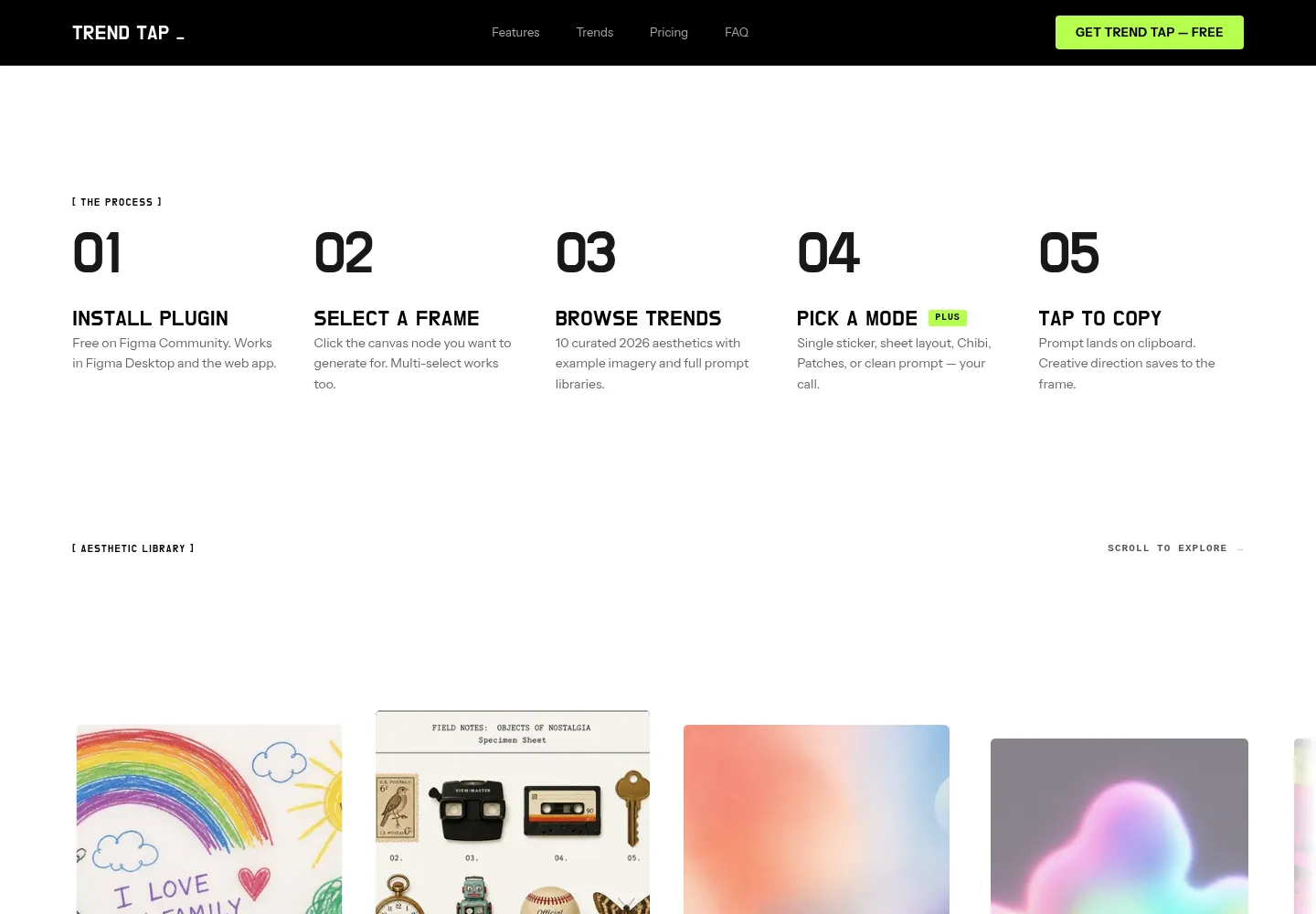
- Install the plugin. Free on Figma Community.
- Select a frame. Multi-select works too.
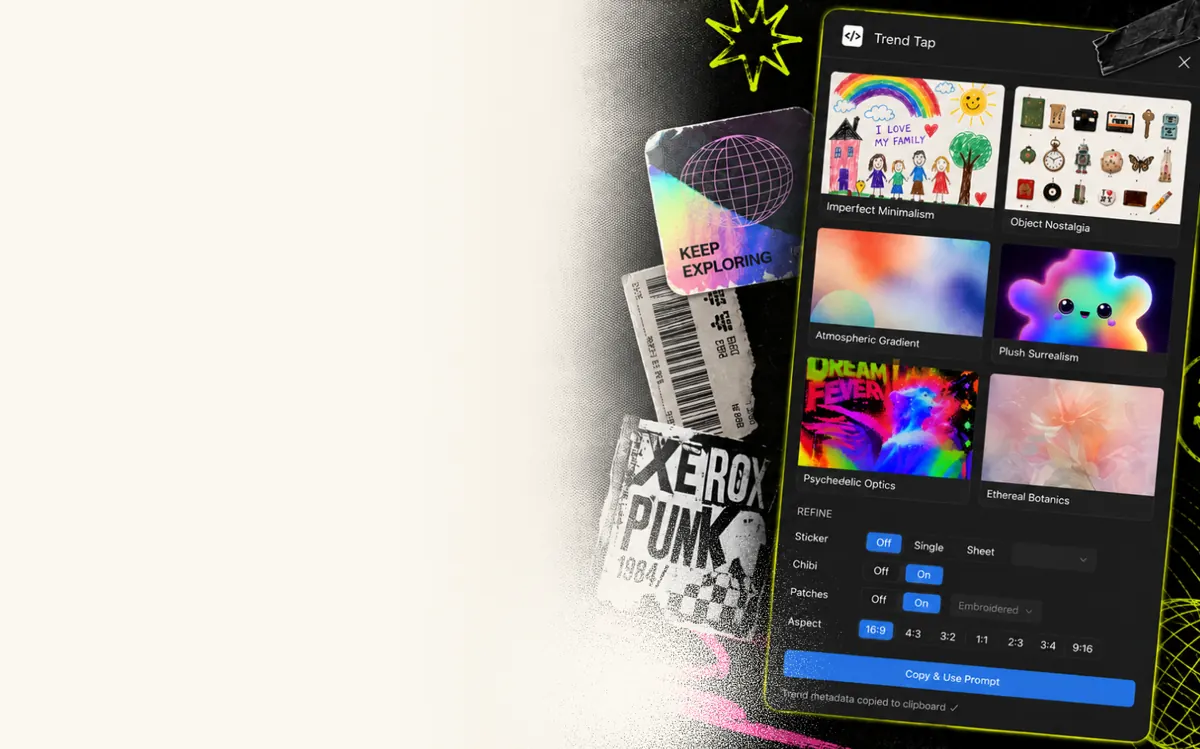
- Browse trends. Ten curated 2026 aesthetics, each with example imagery.
- Pick a mode (Plus). Single sticker, sheet layout, Chibi, Patches or a clean prompt.
- Tap to copy. The prompt lands on the clipboard, and the creative direction saves to the frame.
That last step matters. The applied trend, the prompt text and its variation are saved to the Figma node as structured data, so the file remembers why a frame looks the way it does.
What I cut
The product does one job. It's the creative-direction layer, and the image render always happens in a separate AI tool. There's no image generation, no bundled AI credits and no backend holding your files. Preferences live in Figma's own storage, and the only network call is the license check for Plus. Even the free tier's limit is counted only when you copy; browsing trends, switching modes and adjusting settings are free. And the FAQ says it plainly: unlimited generations means unlimited prompts inside the plugin, not unlimited AI image credits elsewhere.
What shipped
Trend Tap is live on Figma Community, published by Girtonian, with a product site at trend-tap.girtonian.com. The free tier includes six trends and five prompt generations a week, resetting on Mondays. Plus ($29, one time) unlocks all ten trends, unlimited in-plugin prompts, every creative mode, sticker and sheet layouts, and priority support.
The full story
From library to builder
It started in Figma Make as a prompt library: lots of prompt variations under different categories. That DNA is still there. Each trend ships with example imagery and a full prompt library, and prompts have variations. What changed is the layer on top. Modes, themes and aspect ratio stack onto a trend, and one tap assembles the prompt, so I never have to leave Figma to write one.
The library

- Free: Imperfect Minimalism, Object Nostalgia, Atmospheric Gradient, Plush Surrealism, Psychedelic Optics, Ethereal Botanics
- Plus: Fragmented Type, Xerox Punk, Broadcast Signals, Dithering ASCII
The creative engines
Plus adds four stackable creative engines that work with any trend:
- Stickers: die-cut white borders, flat lighting and vinyl texture, as a single sticker or an 18-up sheet.
- Subject Themes: lock prompts to a subject, like Animals, Food or Architecture, among eight.
- Chibi: exaggerated proportions and big eyes.
- Patches: embroidered thread, realistic fabric macro and felt texture.
The details that make it a tool
- One-tap prompts. No formatting needed; the output is layered and optimized for Weave and Figma's Make an image.
- Aspect ratio presets (16:9, 9:16, 4:3, 3:4, 1:1) that resize the selected frame to match.
- Portable output. Prompts are plain text, so they work in Make an image, Midjourney, DALL-E, Stable Diffusion, FLORA or any tool that takes a text prompt.
Ask about this project
Questions about Trend Tap? Email connect@girtonian.com.